


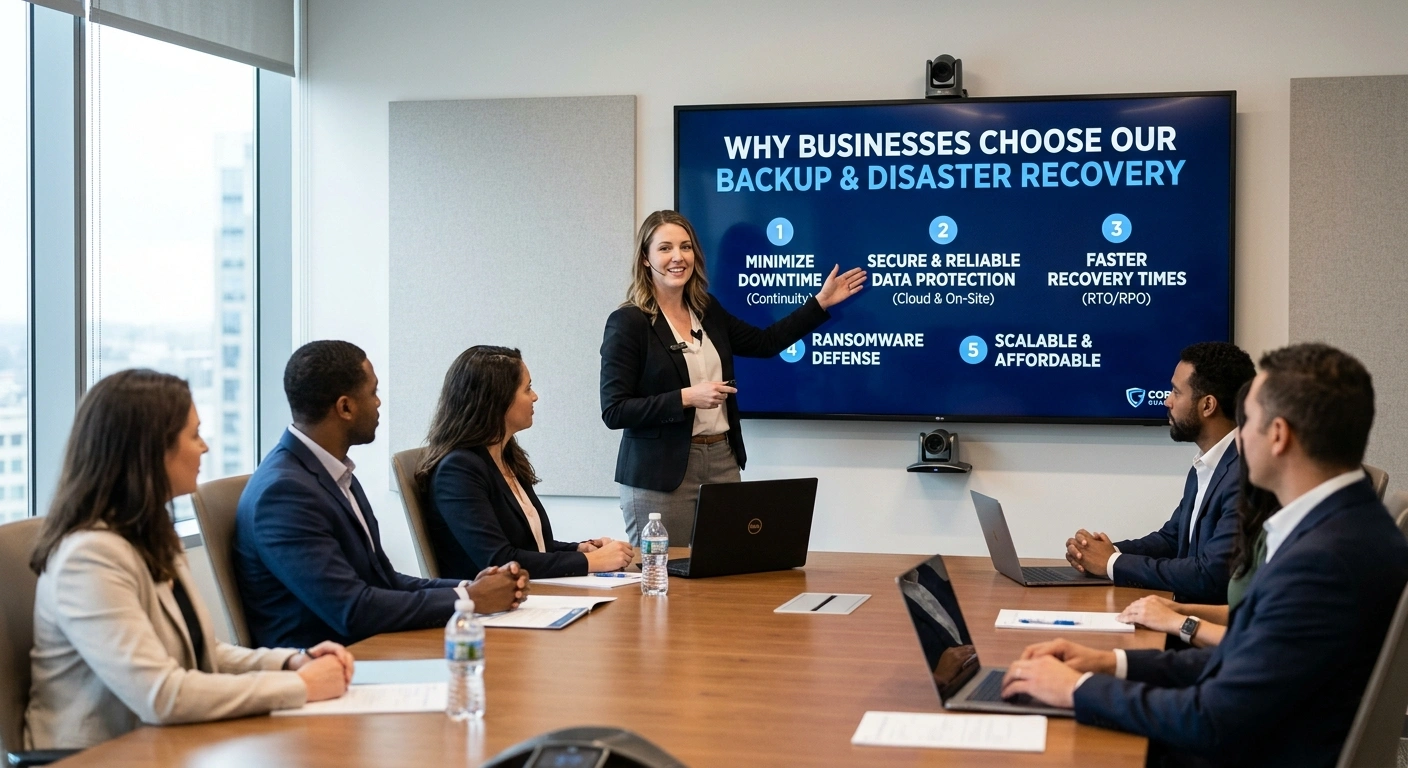
Proven Disaster Recovery and Backup Services in South Carolina Businesses
Backups that have been tested, recovery plans that have been rehearsed, and a local team that answers when the worst day arrives.
IronLogix has protected South Carolina businesses since 2004. As a veteran-owned data recovery and backup provider in Columbia, we design disaster recovery and backup services around one question: when something goes wrong, how fast can you get back to work?
Proof From a Real Project

Responsive IT Support When You Need It Most
IronLogix is always there to help at a moment's notice. We really appreciate the great service and support you give to our account. Your re...
- Amy M
Fast IT Response That Keeps Your Business Moving
Quick response to an issue on a Monday morning that could affect our business. Mike immediately called me back and resolved the issue withi...
- Michelle H
Could You Recover From Data Loss Tomorrow?
Most businesses believe they could, right up until they try. We will check your current backups and tell you what would actually restore.
A Backup You Have Never Tested Is Not a Backup
It is a hope. And it is the single most common failure we find when a new client hands us their environment.
Backups fail quietly. A job stops running and nobody notices. A drive fills up. A critical folder was never included in the first place. The software reports success while capturing nothing useful. None of that surfaces during a normal week, which is exactly the problem: you discover it on the day you can least afford to.
The only backup worth paying for is one somebody has restored from on purpose, recently, and documented. That is the standard our disaster recovery and backup services are built around.
What Actually Puts Your Data at Risk
Data loss rarely arrives as a dramatic disaster. In the Midlands, it usually looks like one of these.
- Ransomware. Attackers now target backups first, because encrypted backups mean you pay. Recovery depends on copies they cannot reach. See our ransomware recovery and prevention work.
- Hardware failure. Drives and servers fail without warning, often years earlier than the warranty implies.
- Human error. Someone deletes the wrong folder or overwrites a file, and nobody notices for weeks.
- Severe weather and power events. South Carolina storms cause outages and surges that take equipment with them.
- Departing staff. Accounts get removed, and sometimes data goes with them.
Different causes, one question: what gets you back to work, and how long does it take?
The costly part is rarely the lost file itself. It is the hours your team spends recreating work, the client who cannot be served while systems are down, and the invoices that do not go out that week. A backup plan is really a plan for keeping those hours from disappearing.
Understanding RPO and RTO
Two numbers decide what your recovery plan needs to look like, and they are worth understanding before anyone sells you a solution.
- RPO, your recovery point objective: How much data can you afford to lose, measured in time? If backups run nightly and a failure hits at 4 pm, you lose a day of work. If that is unacceptable, you need more frequent copies.
- RTO is your recovery time objective: How long can you be down before the damage becomes serious? An hour, a day, and a week are three completely different plans at three different prices.
We set these numbers with you first, then design backward from them. Tools chosen before the objectives are set are guesses.
Our Disaster Recovery and Backup Services
Backup Solutions Built on the 3-2-1 Rule
The long-standing standard: three copies of your data, on two different types of media, with one copy off site. It survives because it works against nearly every failure mode at once.
- Cloud backup keeps an off-site copy safe from anything that happens at your building.
- On-premises backup gives you the fastest possible restore for everyday recovery.
- Hybrid backup combines both, which is what we recommend for most Columbia businesses.
- Incremental and differential backups manage storage and shorten backup windows.
- Immutable storage means a copy attackers cannot alter or delete.
Disaster Recovery Planning
A documented plan for who does what, in what order, when systems are unavailable.
- Recovery objectives set with you, not assumed.
- Step-by-step recovery runbooks your team can follow under pressure.
- Priority order so revenue-critical systems come back first.
- Business continuity planning aligned with federal continuity guidance.
Managed Backup and Monitoring
Backups that someone is actually watching.
- Automated backups on a schedule matched to your RPO.
- 24/7/365 monitoring with alerts when a job fails.
- Regular integrity checks confirming the data is complete and usable.
- Test restores performed and documented, not assumed.
Cloud Disaster Recovery
For businesses that cannot wait on replacement hardware, we build cloud-based recovery environments so systems can run from the cloud while the primary environment is repaired. This connects directly to our cloud computing practice, including Azure and AWS.
Rapid Recovery
When something is lost, speed matters more than anything else on this page. We restore individual files, mailboxes, or entire systems, and our managed IT services clients get that response as part of their agreement.
Not Sure What Your Backups Would Actually Restore?
We will review what is running, test a restore, and show you the honest result. No obligation.
The Microsoft 365 Gap Most Businesses Miss
If your email and files live in Microsoft 365, they are backed up already, right?
Not the way most people assume. Microsoft operates a shared responsibility model: they keep the platform running and available, while your data remains your responsibility. Microsoft 365 retains deleted items for a limited window, typically measured in days or weeks depending on configuration.
That is retention, not backup. If a file is corrupted, maliciously deleted, or quietly lost and nobody notices for three months, default retention will not bring it back. The same applies to SharePoint libraries and Teams content.
We add proper backup for Microsoft 365 data alongside our Microsoft 365 support and SharePoint management, so the gap is closed rather than assumed away.
Backup Requirements That Come With Compliance
For regulated businesses, backup is not just operational insurance. It is an obligation with documentation attached.
- Healthcare practices must be able to recover patient records and demonstrate the controls protecting them under HIPAA.
- Accounting and financial firms face retention requirements for client records and PCI obligations where card data is handled.
- Manufacturers on defense-adjacent contracts encounter CMMC requirements covering data protection and recovery.
- Nonprofits hold donor and financial data that carries real reputational risk if lost.
We build HIPAA, CMMC, and PCI requirements into recovery planning and document the controls, so an auditor sees evidence rather than intentions. Our IT security assessments cover this ground in more depth.
Industry also changes what recovery has to protect. A healthcare practice needs patient records available the moment the office opens, so a long restore window is not survivable. An accounting firm during filing season measures acceptable downtime in minutes rather than hours. A manufacturer may care more about production systems than office files, which changes the priority order entirely. We set recovery priorities around how your business actually works, not a generic template.
How We Build Your Recovery Plan

Assess
We inventory what data exists, where it lives, and what the business genuinely cannot operate without. Most businesses are surprised by what is not currently protected.

Set Objectives
We agree on your RPO and RTO per system. Not everything needs the same protection, and paying for maximum recovery on low-priority data is wasted money.

Design and Deploy
We build the backup architecture around those objectives, using the 3-2-1 principle and immutable storage where ransomware risk warrants it.

Test
We perform real restores and document the results. This is the stage most providers skip and the one that determines whether any of the rest matters.

Monitor and Review
Backups run under 24/7/365 monitoring, and we revisit the plan as your systems change. A recovery plan written two years ago rarely matches the environment it is meant to protect.
Why Columbia Businesses Trust Us With Recovery
- Veteran-owned and headquartered in Columbia since 2004, with certified technicians based in the Midlands.
- More than 100 South Carolina businesses supported, rated 5.0 across 21 Google reviews.
- Same-day on-site response when recovery needs hands-on hardware.
- Layered protection through Sophos-backed cybersecurity services, because preventing an incident beats recovering from one.
- Support for cyber liability insurance requirements, which increasingly demand documented backup practices.
- Recovery planning delivered across South Carolina, from Columbia and Lexington to Charleston and Greenville.
Find Out What Your Backups Would Really Do
Most businesses do not discover a backup problem until they need the backup. That is the worst possible moment to learn something was never running.
- A real restore test, not a status report.
- Recovery objectives set to what your business can actually tolerate.
- Ransomware-resistant copies attackers cannot reach.
- A documented plan your team can follow under pressure.
Better to find out now than on the worst day.
Frequently Asked Questions About Disaster Recovery and Backup
Backup is a copy of your data. Disaster recovery is the plan for getting your business operating again after data or systems are lost. Together they cover both halves of the problem: having the data, and being able to use it quickly.